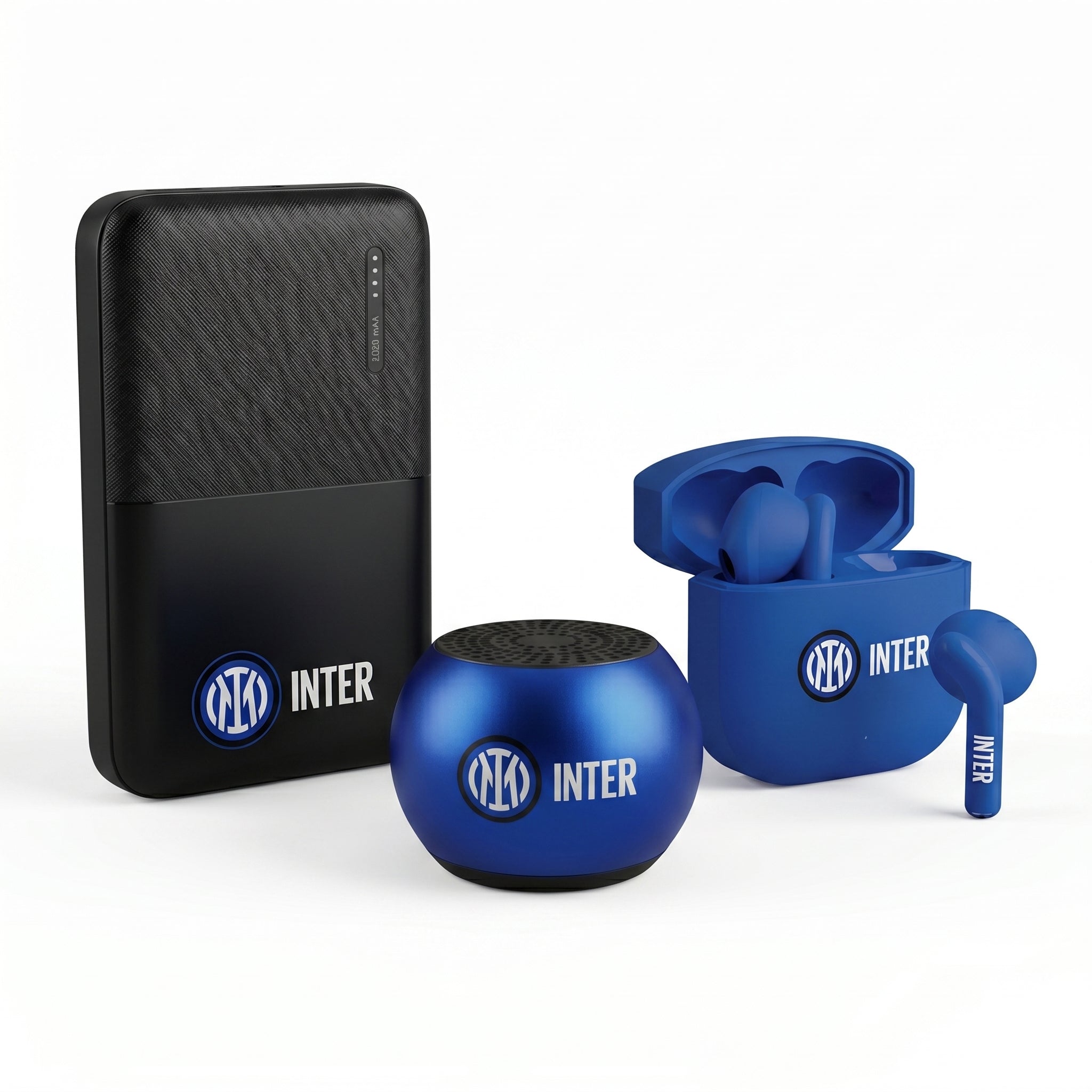
Wireless earbuds have transformed from a simple accessory into indispensable companions in our daily routine. But how can we make the most of them without confusing technology with personal needs? Discover our five carefree tips to fully enjoy your music and calls.
Table of Contents
- Table of Contents
- 1. Choose the Right Model for Your Needs
- 2. Keep Your Hearing Safe
- 3. Take Advantage of Smart Features
- 4. Care and Maintenance
- 5. Easily Connect Them to Your Devices
- Conclusion
- Frequently Asked Questions
1. Choose the Right Model for Your Needs
Choosing the right earbuds depends on their use: for sports, work, or relaxation. Opting for an ergonomic and lightweight model can make all the difference in terms of comfort, especially during prolonged use.
- Recommended for calls: models with an integrated microphone and noise cancellation.
- For sports: look for earbuds with good water and sweat resistance.
2. Keep Your Hearing Safe
Hearing every musical detail is a pleasure, but protecting your health is essential. Adjust the volume so you can still hear your surroundings and choose earbuds with good passive isolation.
- Learn to recognize safe sound levels.
- Use the volume limiter function if available.
3. Take Advantage of Smart Features
Many modern earbuds come with smart features that simplify daily life. Think of options like automatic pause when you remove the earbuds from your ear or integrated voice commands.
- Practical example: during a run, use voice commands to change tracks without stopping.
Discover other smart accessories by visiting our complete collection.
4. Care and Maintenance
To ensure a long lifespan and optimal performance, it is essential to take care of your earbuds. Clean them regularly and store them in their case when not in use to avoid damage.
- Avoid exposing them to extreme humidity or heat.
- Charge the battery according to the manufacturer's instructions.
5. Easily Connect Them to Your Devices
A stable and uninterrupted connection is essential for a pleasant listening experience. Make sure your device supports the latest generation Bluetooth and update the firmware when necessary.
- Follow the easy pairing procedure by following the instructions.
- Try disconnecting and reconnecting if you encounter connection problems.
For more tips on how to optimize your tech accessories, read Smart Office Tips: Hi-Tech Accessories to Boost Productivity.
Conclusion
Using wireless earbuds to their full potential means not only having the right model but also knowing how to use it best. Experiment with smart features and discover a new dimension of comfort and performance. To explore a wide range of earbuds and headphones that meet your needs, visit our Headphones & Earbuds collection.
Ready to enhance your listening experience? Discover the wide range of accessories available on Techmade.it.
Frequently asked questions
What are the advantages of wireless earbuds compared to traditional ones?
Wireless earbuds offer greater freedom of movement, eliminating tangled cables. They are ideal for physical activity, travel, and daily use without the risk of getting tangled.
How can I improve the sound quality of my wireless earbuds?
To improve sound quality, ensure the earbuds are properly placed in your ears and provide a good seal. Using different sized ear tips can help achieve a better audio experience.
Is it safe to use wireless earbuds for a long period of time?
Yes, but it is advisable to take breaks during prolonged listening. This reduces auditory fatigue and maintains hearing health.
How can I check the battery of my wireless earbuds?
Most wireless earbuds have battery indicators that can be viewed on the device they are connected to. Some earbuds also offer voice notifications or sounds to alert you when the battery is low.
Can I use wireless earbuds in the rain?
Many wireless earbud models are designed with water-resistant materials. However, it is a good idea to check the product specifications to ensure they are suitable for use in wet conditions.
What is the best way to store wireless earbuds when not in use?
Store your earbuds in their case to protect them from dust and impacts. Make sure the case is also charged, to ensure the earbuds are ready for use when needed.
How can I resolve common connection issues with wireless earbuds?
If you experience connection problems, try restarting both the earbuds and the device they are connected to. Ensure the earbuds are in pairing mode and are not connected to another device.
Can I use wireless earbuds with multiple devices?
Yes, many wireless earbuds support multipoint, which allows you to connect to multiple devices simultaneously. Check the instructions for your specific model to learn how to set up this feature.
What are the best practices for wireless earbud maintenance?
Regularly clean your earbuds with a soft, dry cloth to remove dirt and earwax. Avoid exposing them to extreme temperatures and do not leave them in humid or very hot places to extend their lifespan.