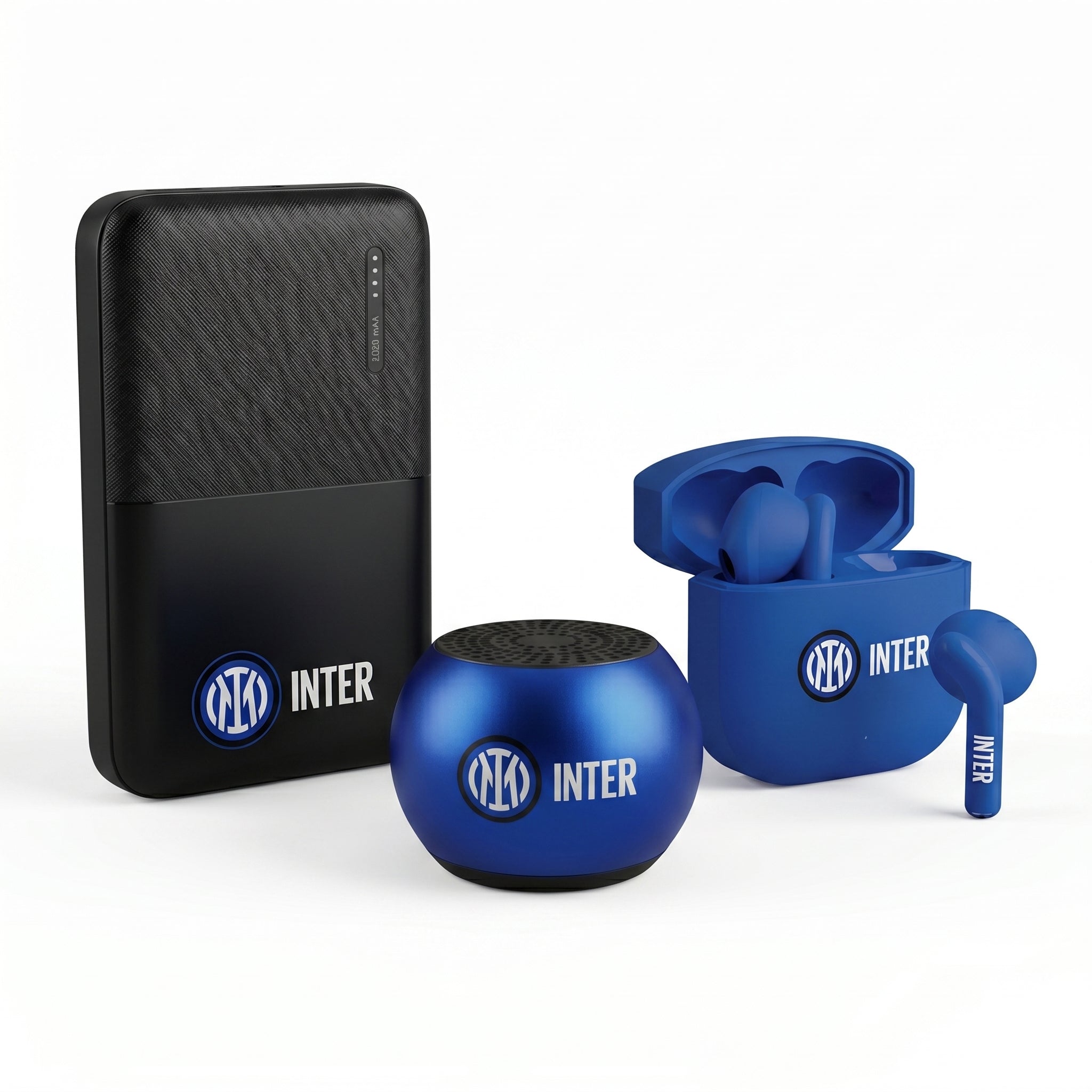
In the era of remote work, finding yourself without the right accessories can slow down productivity and increase stress. Whether you are working from home, a café, or while traveling, being well-equipped is essential to remain efficient and connected. Here are some essential accessories that will help you keep your work pace high, wherever you are.
Table of Contents
- Table of Contents
- Accessories That Make a Difference
- 3-Port GaN Charger - 65W
- Laptop Bag - Up to 15.6"
- Lyra Smartwatch with Phone and SOS Function
- Staying Productive While Traveling
- Frequently Asked Questions
Accessories That Make a Difference
3-Port GaN Charger - 65W

Stay connected wherever you are with the 65W 3-Port GaN Charger. This powerful accessory allows you to charge up to three devices simultaneously, eliminating the need to carry multiple chargers with you.
- Compact size: Perfect for frequent travelers.
- Guaranteed efficiency: Reduces charging times thanks to advanced GaN technology.
- Multi-port: Charge smartphones, tablets, and laptops all at once.
A common example? During a meeting in a café, you can keep your phone, laptop, and earbuds ready with just one device. Find out more about the GaN charger.
Laptop Bag - Up to 15.6"

The laptop bag is not just a container, but a trusted companion for all professionals on the move. With the capacity to accommodate laptops up to 15.6", it combines practicality and elegance.
- Space Saver: Features organized compartments for a laptop and accessories.
- Comfortable and durable: Sturdy handle and adjustable shoulder strap for easy carrying.
- Elegant design: Perfect for business meetings and urban commuting.
This bag is ideal for attending meetings in different locations without the risk of forgetting anything necessary. Explore the laptop bag.
Lyra Smartwatch with Phone and SOS Function

The Lyra smartwatch is much more than just an accessory. With its phone and SOS function, it gives you the freedom to answer calls and stay in touch without having to take your cell phone out of your bag.
- Calls on your wrist: Manage calls directly from your wrist.
- SOS function: Extra safety for a carefree workday.
- AMOLED screen: Clear view, even in sunlight.
Wearing Lyra means having a multi-function tool that supports your workday. Find out more about Lyra.
Staying Productive While Traveling
With these tech accessories, working remotely will not only be a possible experience, but also efficient and stress-free. Equipped with the right tools, you can maintain a high degree of productivity wherever the day takes you.
Want to always be ready for remote work? Discover our collection of accessories on Techmade and find what's right for you.
For more tips on how to use wearable technology, also read our article on small appliances to make your daily life easier.
Visit Techmade for all your tech needs!
Frequently Asked Questions
What are the essential accessories to improve ergonomics during remote work? Essential accessories include an ergonomic chair, a laptop stand or external monitor, and an ergonomic keyboard and mouse to ensure correct posture and reduce muscle tension.
How can I improve audio quality in video calls? It is advisable to use headphones with a built-in microphone or a high-quality microphone to ensure good sound quality during video calls and reduce background noise.
Which accessories can help with task and time management during remote work? Task management software like Trello or Asana, along with paper or digital planners, can be useful. Additionally, a timer or a time management app can help maintain productivity.
Is a good lighting system necessary for remote work? Yes, adequate lighting is fundamental for video calls and for working comfortably. The use of adjustable desk lamps or LED lights can significantly improve visibility.
What are the benefits of having a dedicated workspace? Having a dedicated workspace helps separate professional life from personal life, improves focus, and can contribute to higher productivity.
How can I ensure a stable Internet connection for remote work? Using a high-quality router, placing it in a central location in the house, and considering a Wi-Fi signal booster system can help maintain a stable connection. If necessary, an Ethernet cable can also provide a more reliable connection.
What are the advantages of using an external webcam compared to the built-in one? External webcams usually offer better resolution and superior image quality compared to built-in ones, allowing you to transmit a clearer and more professional image during video calls.
Are there specific accessories for those who frequently work on the move? Yes, accessories like a folding laptop stand, a laptop bag with integrated storage, and a portable charger can make it easier to work on the go without compromising productivity.